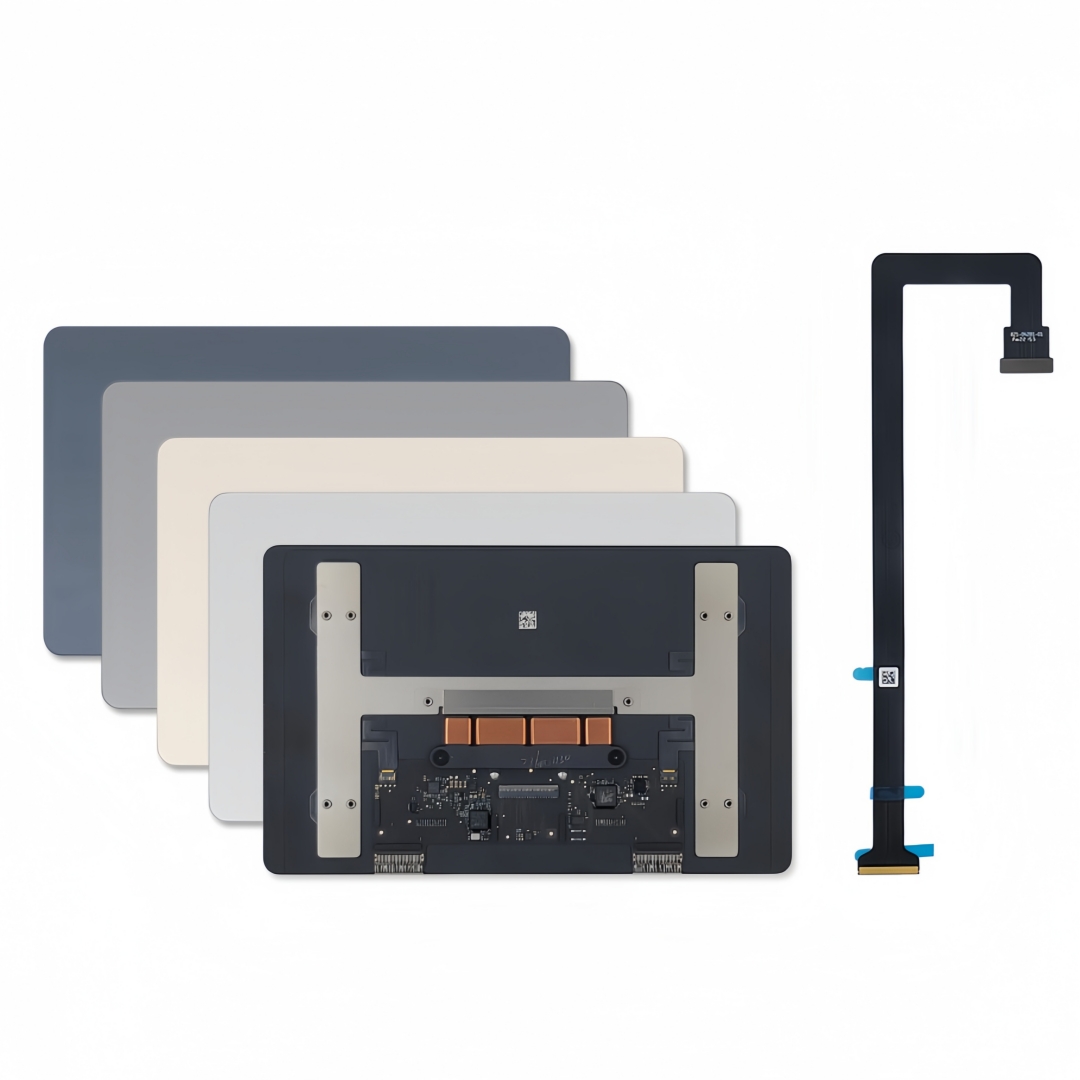
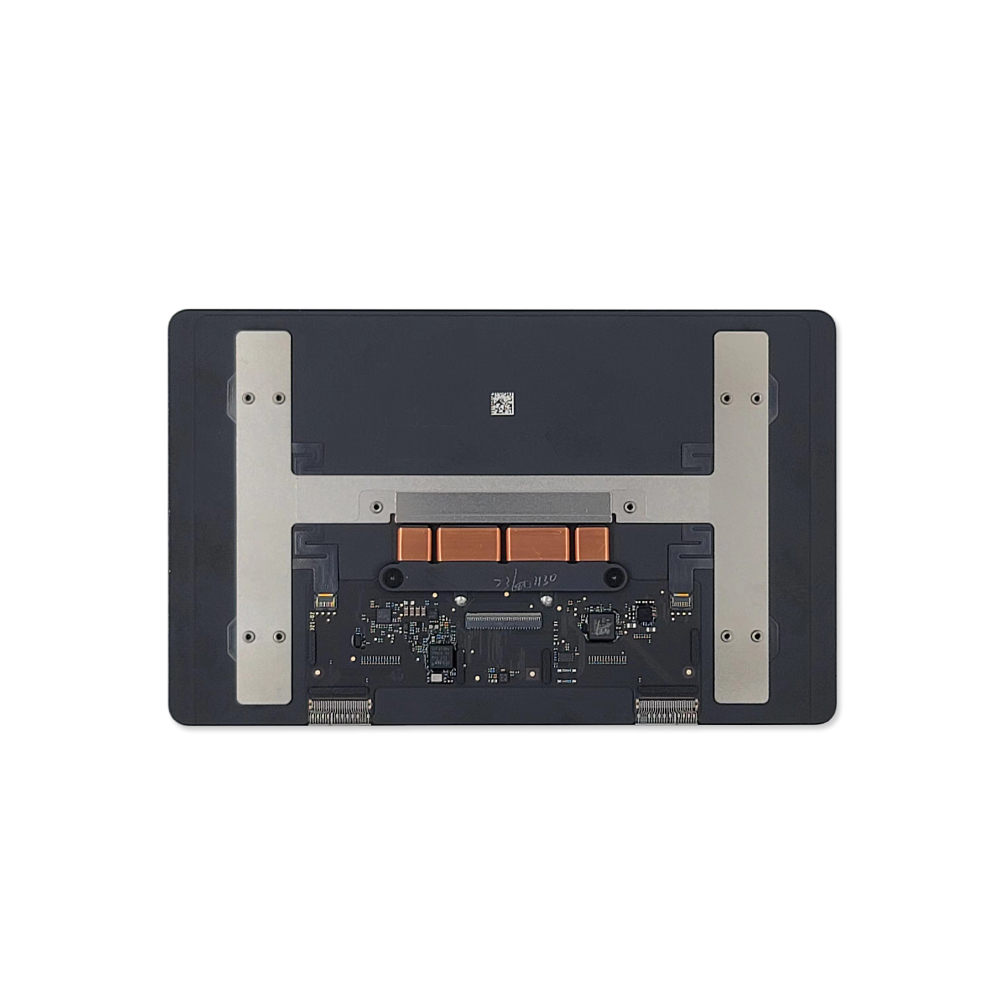
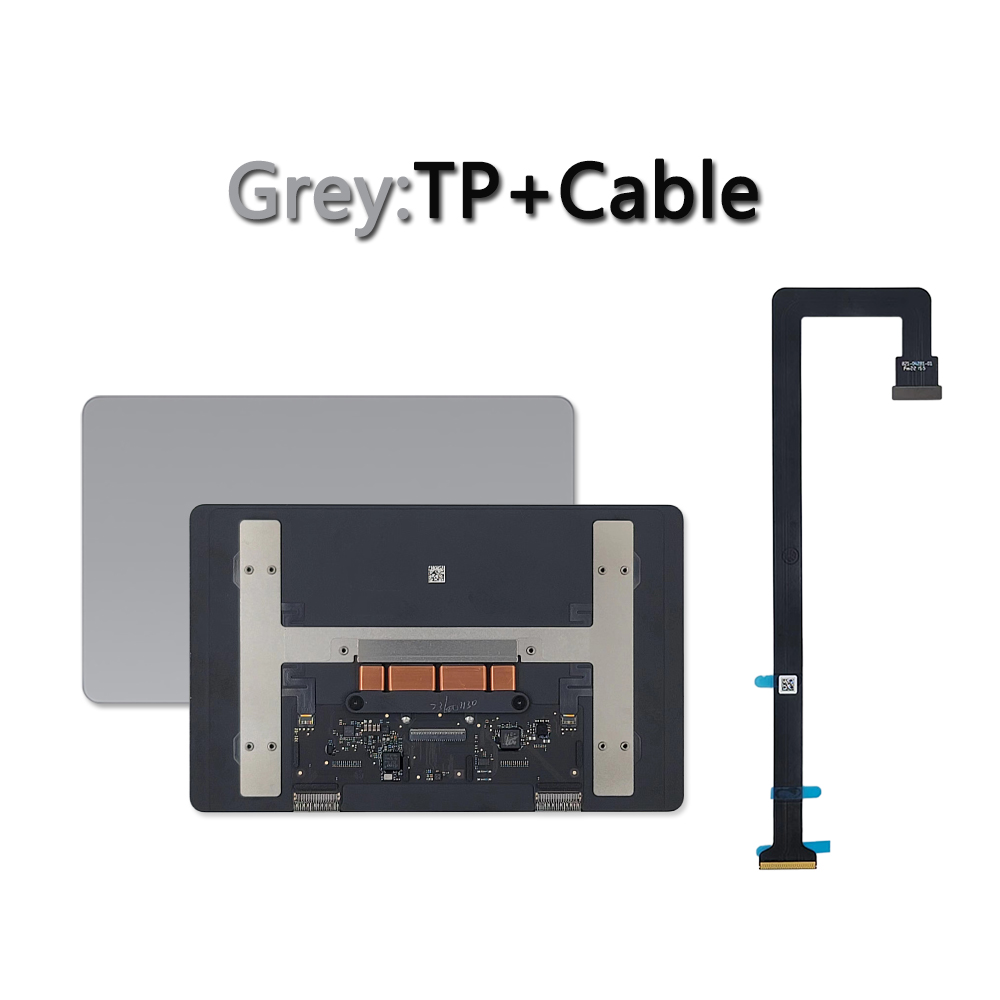
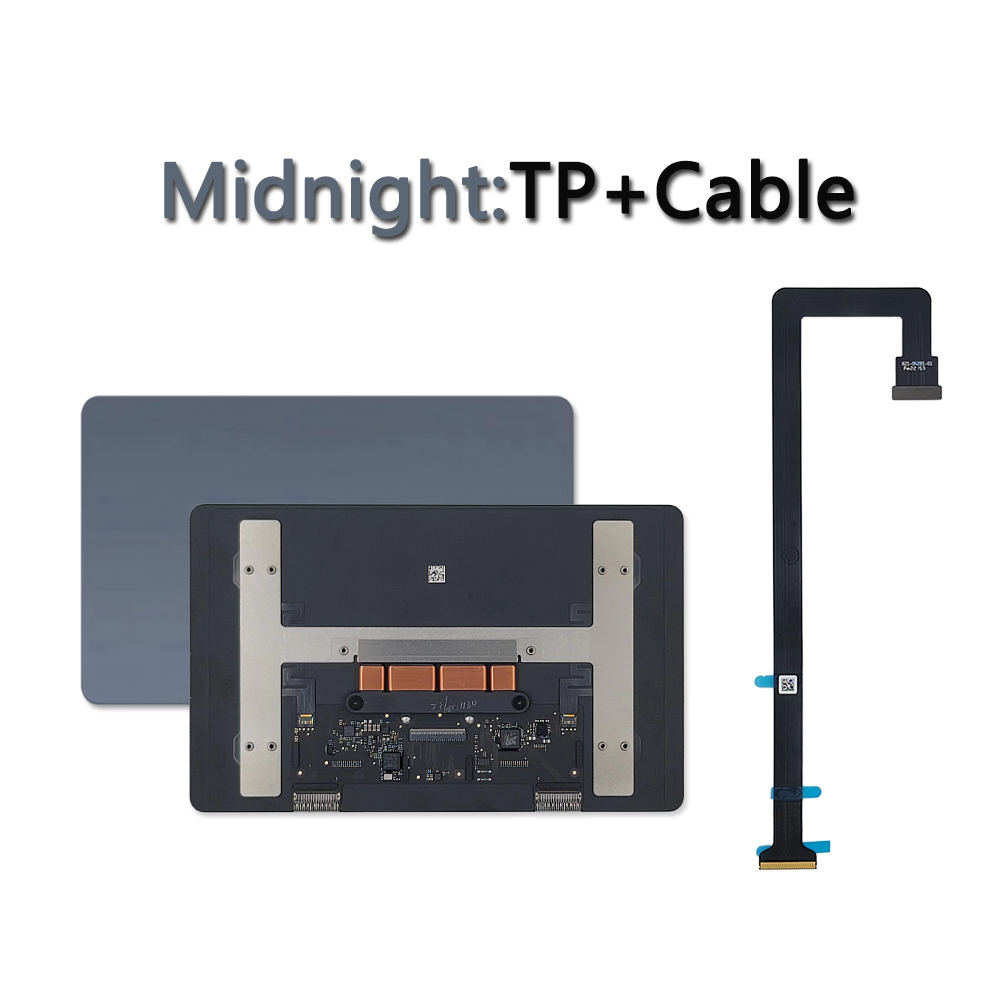
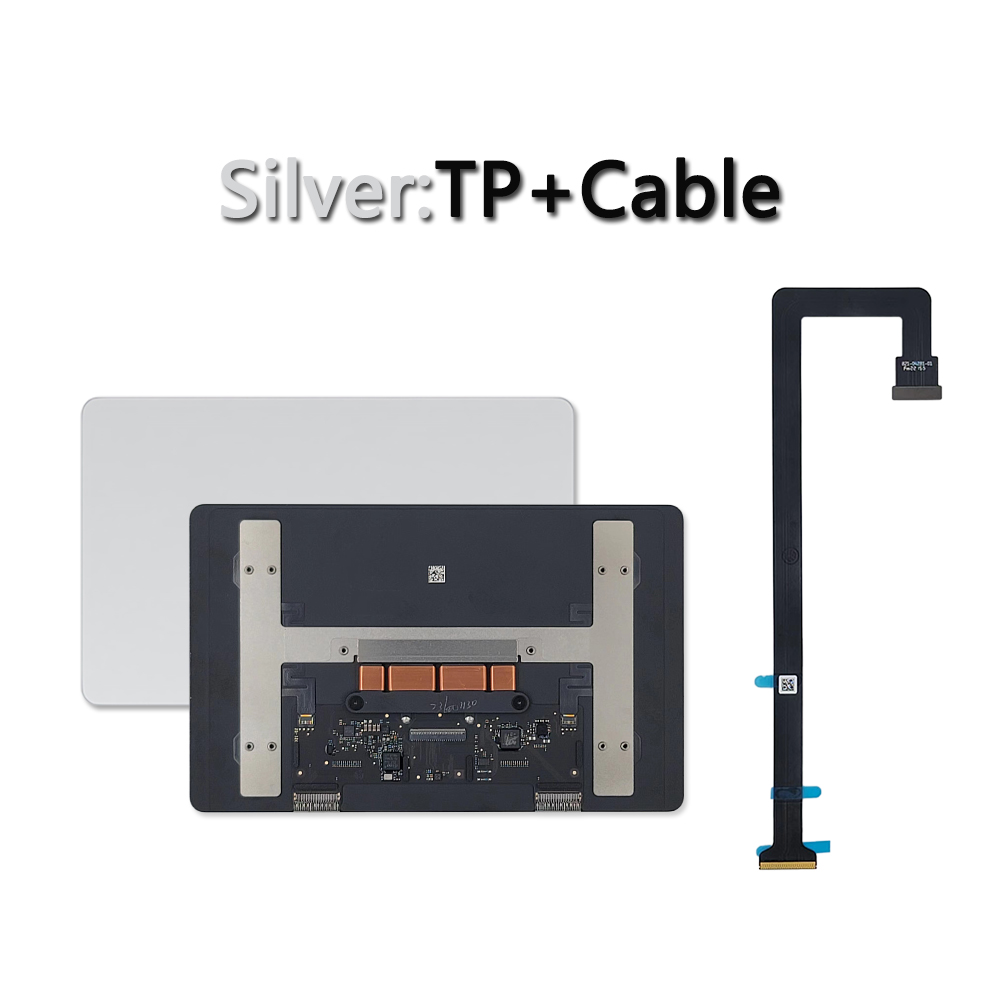
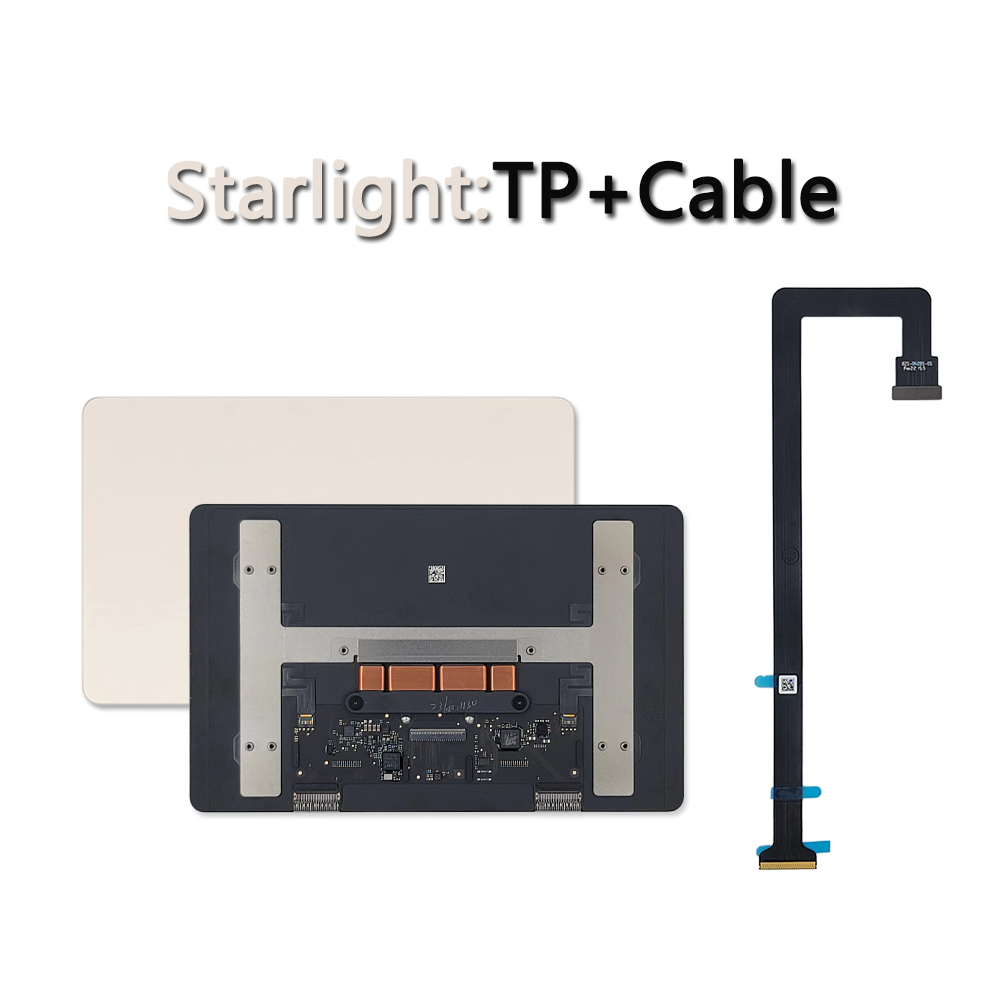
This is an original pulled Force Touch trackpad touchpad assembly with flex cable, part numbers 661-34949 (Space Gray) / 661-34950 (Silver) / 661-34951 (Starlight) / 661-34952 (Midnight). It is a direct replacement part for MacBook Air 15-inch M2, released in Mid 2023. This trackpad fixes common failures: unresponsive cursor, no click, Force Touch not working, broken flex ribbon cable, gesture failure and worn touchpad surface.
Compatible Models & Machine Configurations
- Model Number: A2941
- EMC: 8301
- Model Identifier: Mac14,15
- Release Date: Mid 2023, Apple M2 chip (8-core CPU + 10-core GPU, 16-core Neural Engine)
- Display: 15.3-inch Liquid Retina, 2880 × 1864, 224 ppi, 500 nits
- Default & optional configurations:
- Unified Memory: 8GB base, configurable to 16GB / 24GB
- SSD Storage: 256GB base, upgrade options for 512GB, 1TB, 2TB
- Compatible order numbers:
- 256GB: MQKW3LL/A (Midnight), MQKU3LL/A (Starlight), MQKP3LL/A (Space Gray), MQKR3LL/A (Silver)
- 512GB: MQKX3LL/A (Midnight), MQKV3LL/A (Starlight), MQKQ3LL/A (Space Gray), MQKT3LL/A (Silver)
⚠️ Important compatibility note:
This trackpad
only fits A2941 15-inch MacBook Air M2 Mid 2023. It DOES NOT fit A2681 13" M2 Air, A3114 M3 Air, any MacBook Pro or other MacBook models. Please verify your A-number, EMC and model identifier before purchasing to avoid wrong part.
Product Specs
- Item: Force Touch Trackpad Assembly with Flex Cable
- Part #: 661-34949 / 661-34950 / 661-34951 / 661-34952
- Color: Space Gray / Silver / Starlight / Midnight
- Condition: Original pulled 98% new, fully tested and working before shipment
- Warranty: 6 Months
- Package includes: 1 × Trackpad with flex cable
A2941 Trackpad Replacement Guide & Installation Tips
Repair difficulty: Moderate, ESD protection required. Recommended tools: 5IP torque screwdriver, nylon spudger, anti-static mat, tweezers, Kapton tape and gap shims.
- Shut down the MacBook completely and disconnect all power sources.
- Flip the laptop bottom-side up, remove all bottom cover screws and take off the bottom case.
- Disconnect the battery connector first to prevent short circuit and board damage.
- Peel off the protective tape and gently lift the trackpad flex cable connector from the logic board.
- Remove all 5IP screws securing the trackpad assembly to the top case.
- Carefully lift out the old faulty trackpad. Keep the original gap shims and alignment pads if reusable.
- Align the new trackpad into position, check the gap evenly around the trackpad edge. Install proper shims if needed to adjust height.
- Route the flex cable correctly, seat the connector flat and fully locked; do not bend or pinch the thin ribbon cable.
- Tighten trackpad screws evenly with proper torque, do not over-tighten to prevent trackpad deformation or click failure.
- Reapply Kapton tape and foam tape as original.
- Reconnect battery cable, reinstall the bottom cover.
- Power on the MacBook and test cursor movement, single click, double click, Force Touch, tap to click and all multi-touch gestures.
Repair Warning Notes
- Static electricity can damage the flex cable and mainboard. Always use anti-static equipment.
- The flex ribbon cable is extremely fragile; never pull hard or fold sharply.
- Improper installation, torn cable or physical damage is NOT covered by our 6-month warranty.
- If you lack Mac repair experience, we suggest asking a professional repair technician to finish this replacement.