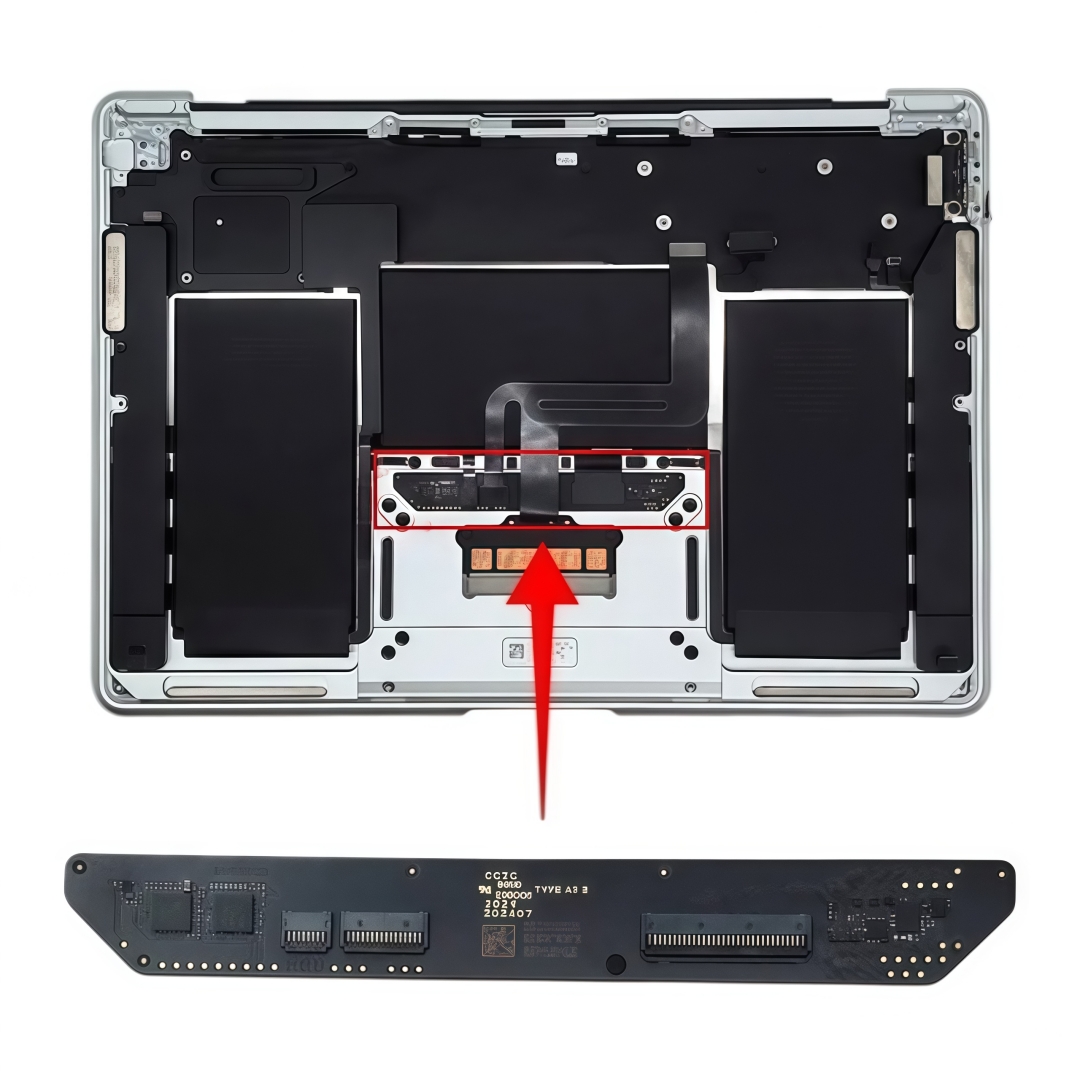
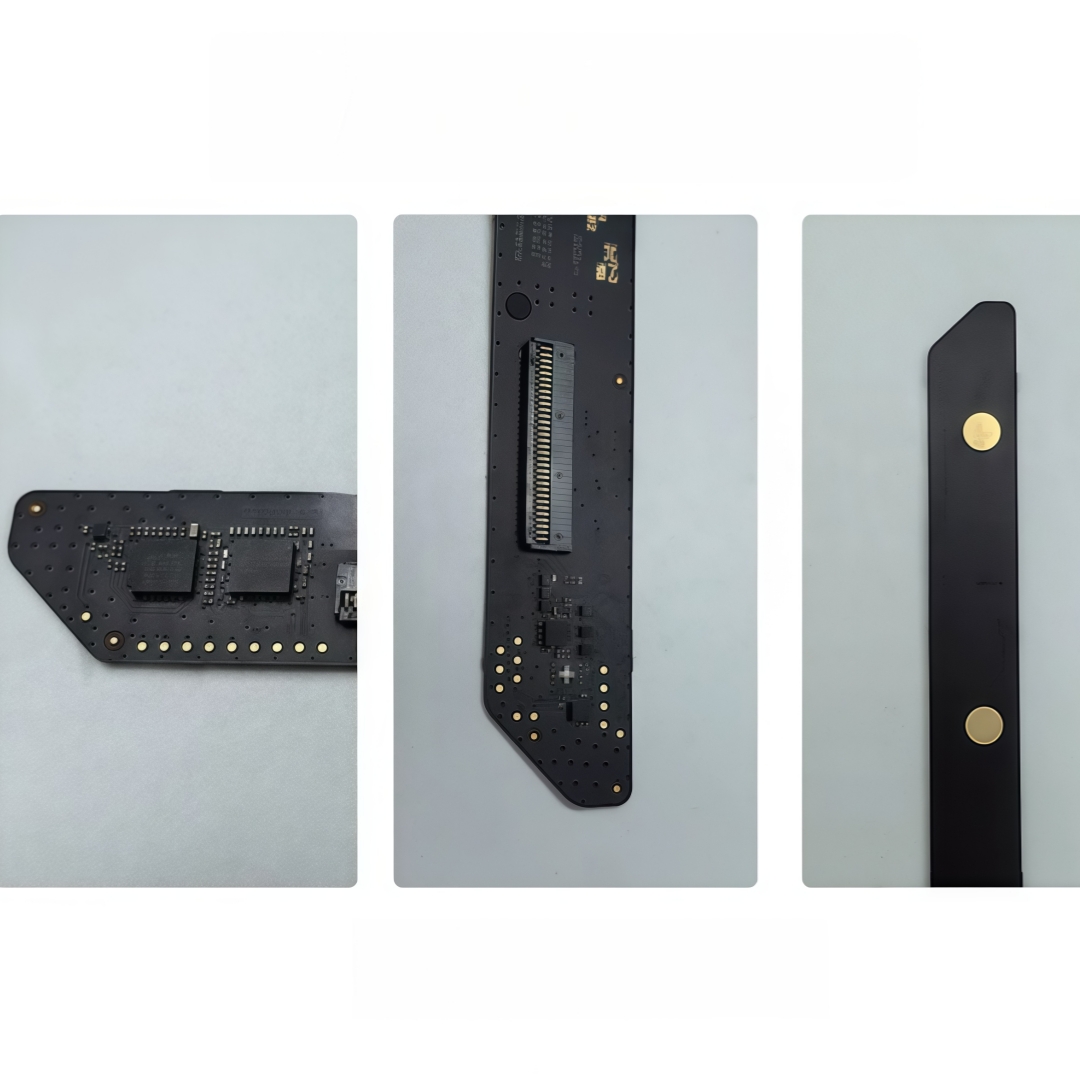
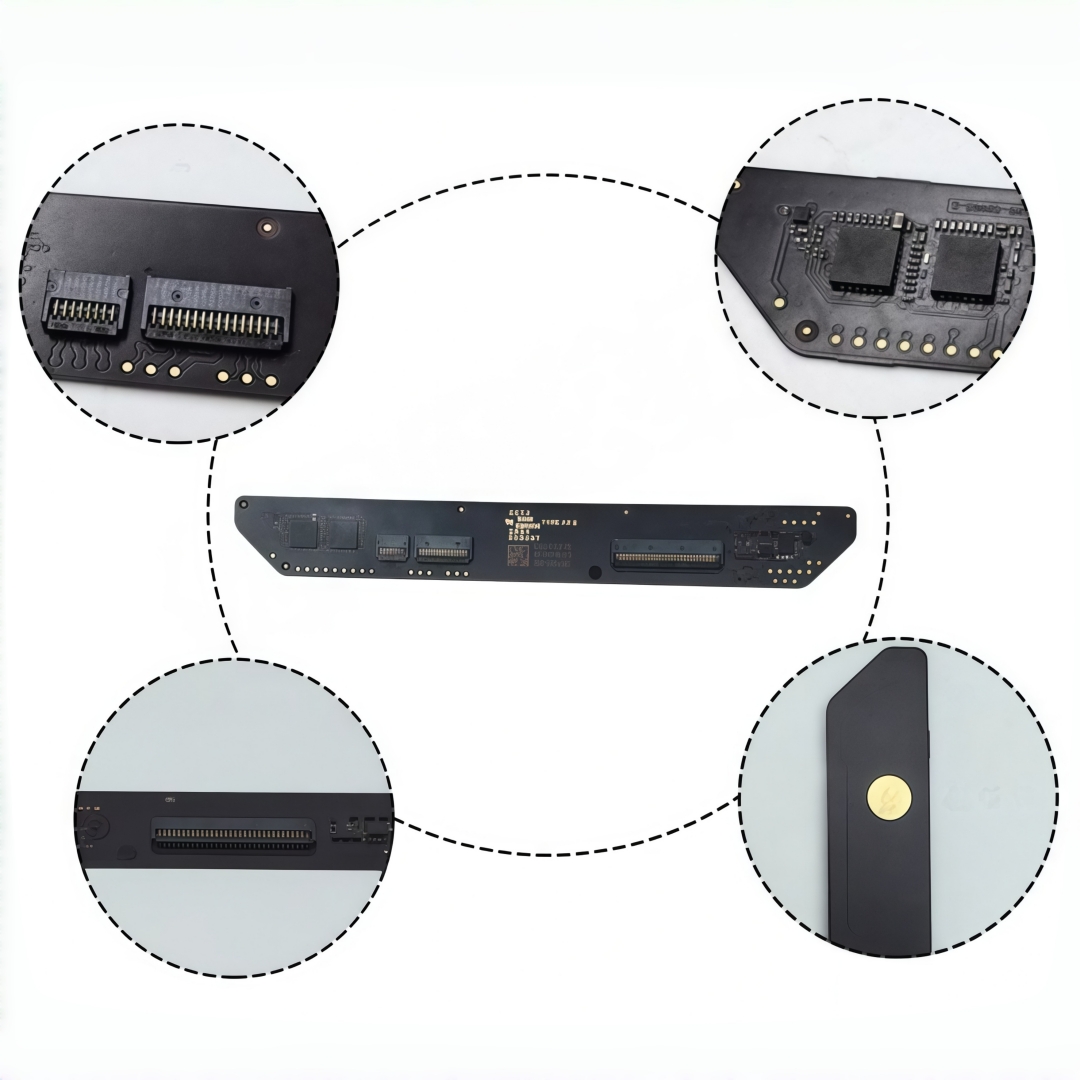
This replacement trackpad keyboard interconnect daughter board is compatible with multiple MacBook Air models, covering M1, M2, M3 and M4 generations. It connects the trackpad (touchpad) and keyboard to the main logic board, fixing common faults such as unresponsive trackpad, trackpad not clicking, intermittent touch failure, keyboard no response, loose trackpad connection, or damaged onboard connector.
Compatible Models, Release Year & Factory Specs
- A2179 | MacBook Air 13-inch, M1 | Released Late 2020
Configuration: Apple M1 chip, 8-core CPU, 7-core / 8-core GPU, 8GB / 16GB unified memory, 256GB / 512GB SSD, Retina display, Magic Keyboard
- A2337 | MacBook Air 13-inch, M1 | Released Late 2020
Configuration: Apple M1 chip, 8-core CPU, 7-core / 8-core GPU, 8GB / 16GB RAM, 256GB / 512GB SSD, Retina screen
- A2681 | MacBook Air 13-inch, M2 | Released Mid 2022
Configuration: Apple M2 chip, 8-core CPU, 8-core / 10-core GPU, 8GB / 16GB / 24GB unified memory, 256GB / 512GB / 1TB SSD, Liquid Retina display
- A3113 | MacBook Air 15-inch, M2 | Released Mid 2023
Configuration: Apple M2 chip, 8-core CPU, 10-core GPU, 8GB / 16GB / 24GB RAM, 256GB / 512GB / 1TB SSD, 15.3-inch Liquid Retina display
- A3240 | MacBook Air 13-inch, M3 | Released March 2024
Configuration: Apple M3 chip, 8-core CPU, 8-core / 10-core GPU, 8GB / 16GB / 24GB unified memory, 256GB / 512GB / 1TB SSD, 13.6-inch Liquid Retina display
- A2941 | MacBook Air 15-inch, M3 | Released March 2024
Configuration: Apple M3 chip, 8-core CPU, 10-core GPU, 8GB / 16GB / 24GB RAM, 256GB / 512GB / 1TB SSD, 15.3-inch Liquid Retina display
- A3114 | MacBook Air 13-inch, M4 | Released May 2025
Configuration: Apple M4 chip, 10-core CPU, 10-core GPU, 16GB / 24GB / 32GB unified memory, 256GB / 512GB / 1TB / 2TB SSD, 13.6-inch Liquid Retina display
- A3241 | MacBook Air 15-inch, M4 | Released May 2025
Configuration: Apple M4 chip, 10-core CPU, 10-core GPU, 16GB / 24GB / 32GB RAM, 256GB / 512GB / 1TB / 2TB SSD, 15.3-inch Liquid Retina display
This small daughter PCB board is a direct replacement part. It matches the original connector layout and cable position, no modification required.
Repair & Installation Guide
- Power off your MacBook Air completely and disconnect the power adapter.
- Use the correct pentalobe screwdriver set to remove the bottom case screws.
- Disconnect the main battery connector first to avoid short circuit and board burnout.
- Locate the original trackpad keyboard connector daughter board. Carefully peel off the protective tape and release the flex cables for trackpad and keyboard.
- Remove the old faulty board, install this new interconnect board, and re-seat all flex cables firmly into the connectors.
- Reapply protective tape, reconnect the battery, reassemble the bottom cover.
- Power on the laptop and test trackpad gestures, click function and keyboard input to confirm normal operation.
Repair Tip: This is a precision micro PCB. Do not bend the board or force flex cables. Static protection (ESD wrist strap) is strongly recommended during installation. If you are not familiar with MacBook teardown, please seek help from a professional laptop repair technician.
Features
- Genuine / Original spec replacement interconnect board
- Perfect fit for the listed MacBook Air model numbers
- Solves trackpad and keyboard connection failure issues
- Tested before shipment to ensure good connectivity