#Getting Your Apple Devices Fixed: Repair Options for Macs and iPhones
Apple's MacBooks, iPhones, and iPads are renowned for their design and performance, but like all technology, they can encounter issues. When your device malfunctions, knowing your repair options is crucial. Navigating the repair landscape involves understanding warranties, service providers, costs, and potential pitfalls.
1. The Official Route: Apple Support & Apple Authorized Service Providers (AASPs)**
**Pros:**
**Genuine Parts & Tools:** Uses original Apple components and specialized diagnostic/repair tools.
**Certified Technicians:** Staff trained directly by Apple.
**Warranty Coverage:** Repairs are covered under Apple's warranty or AppleCare+. Repairs themselves often come with a 90-day service warranty.
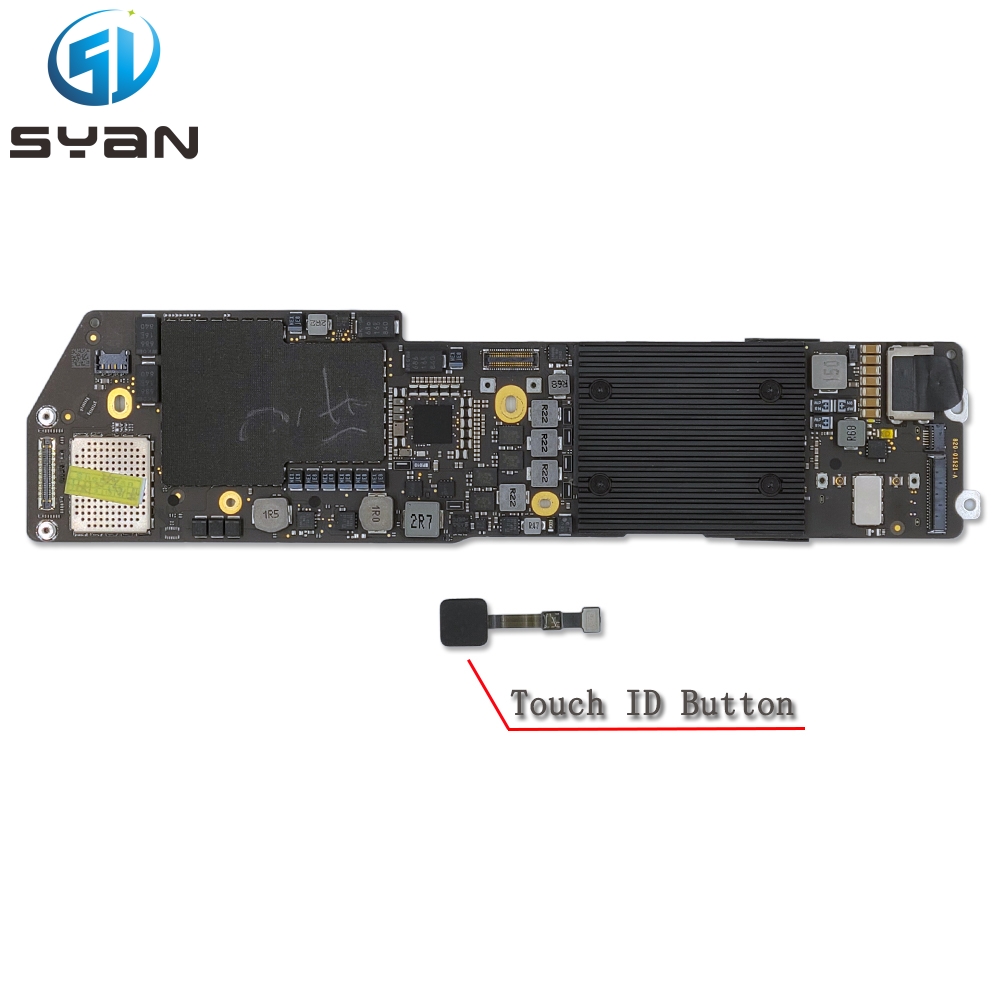
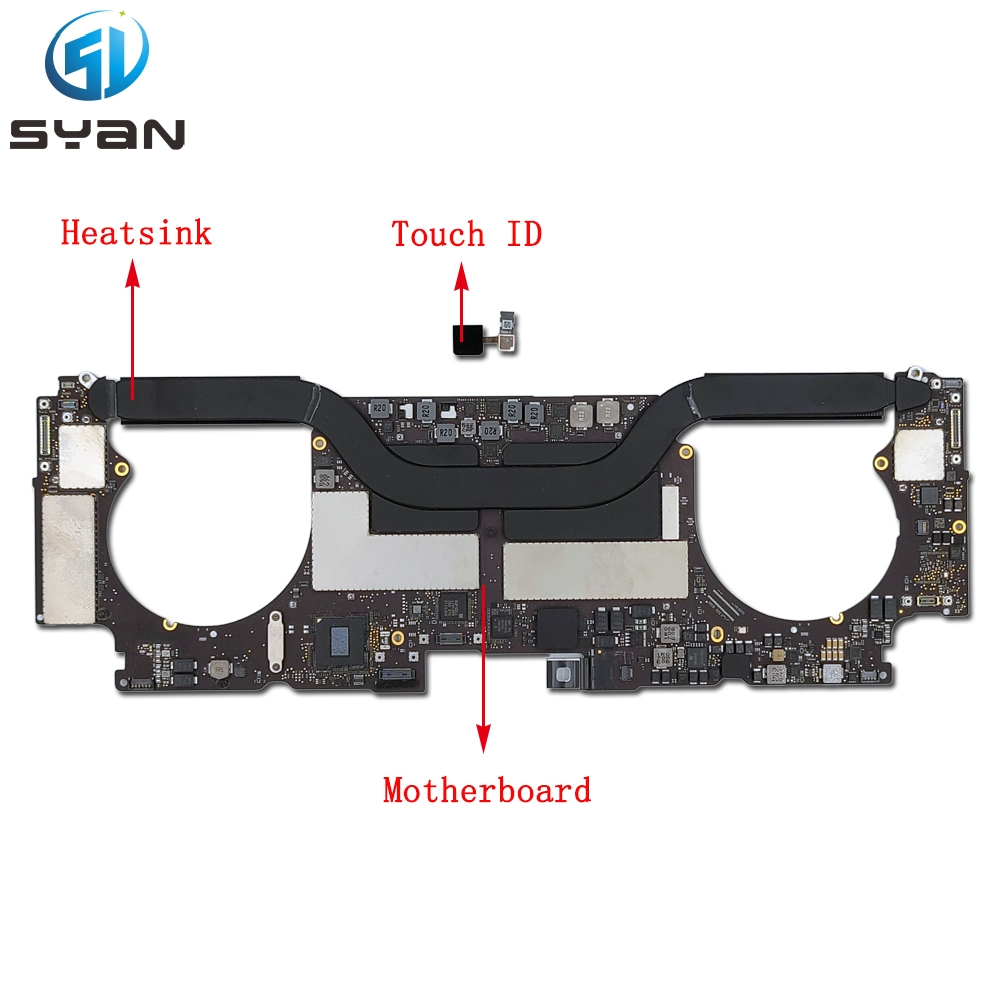
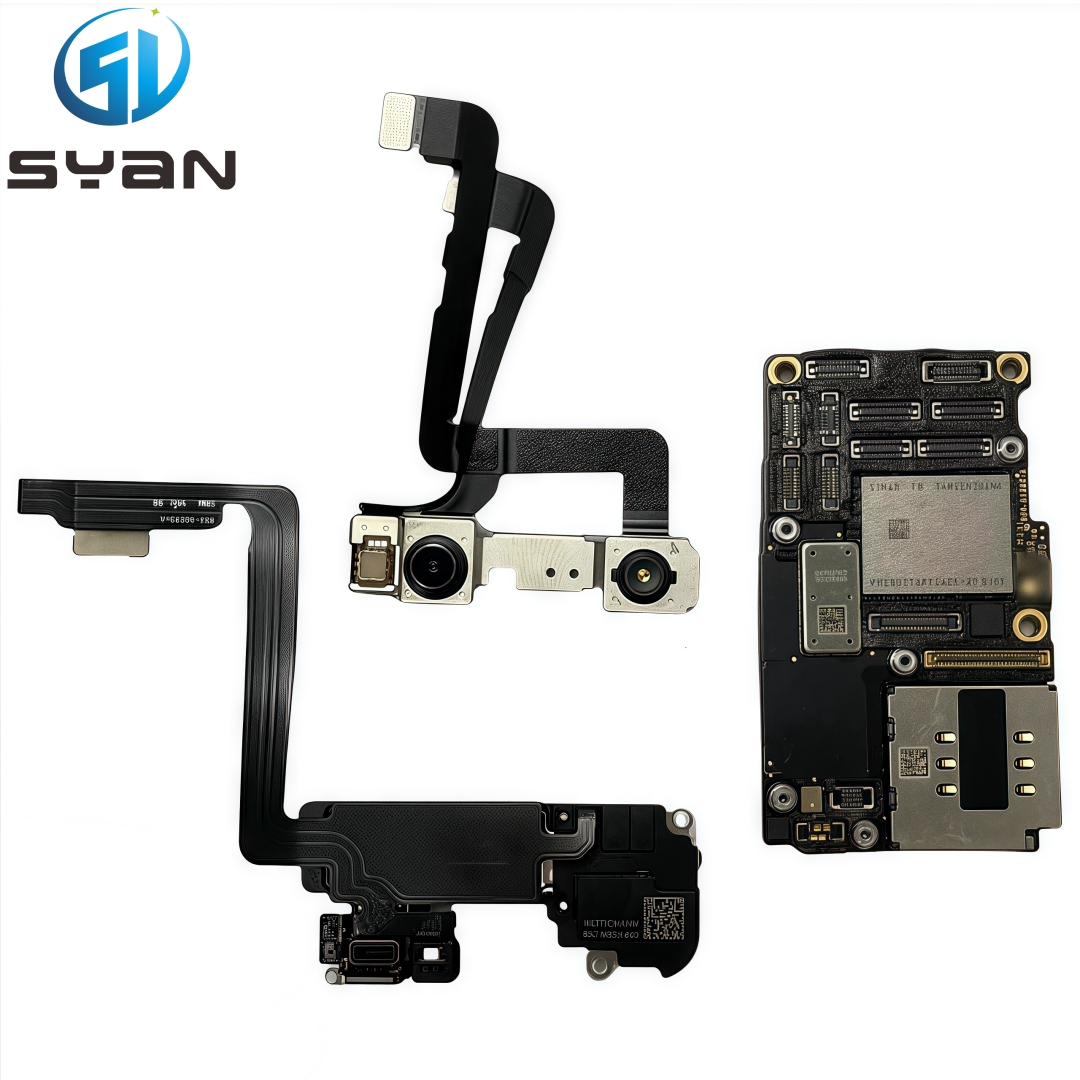
**Software Integration:** Best chance for seamless post-repair functionality, especially for components like TrueDepth cameras or Touch ID/Face ID sensors where Apple tightly controls part pairing.
**Diagnostic Accuracy:** Access to proprietary Apple diagnostic software.
**Cons:**
**Cost:** Typically the most expensive option, especially out-of-warranty.
**Availability:** Apple Stores can have long wait times; AASPs might be geographically limited.
**Strict Policies:** Repairs may be denied for devices with prior unauthorized repairs or significant damage.
**Repair vs. Replace:** For older devices or severe damage, Apple often opts for whole-unit replacement at a high cost.
**Process:** Start via the Apple Support website or app for diagnostics, appointment booking, or mail-in options.
2. Third-Party Repair Shops: Independent Technicians**
**Pros:**
**Cost:** Generally more affordable than Apple, especially for common repairs like screen or battery replacement.
**Speed & Convenience:** Often faster turnaround times and more local options.
**Flexibility:** May offer repairs on older devices Apple no longer services or devices with prior non-Apple repairs.
**Component Choice:** Might offer different quality tiers (e.g., OEM-like, aftermarket, refurbished screens).
**Cons:**
**Part Quality Variance:** Risk of receiving lower-quality or non-genuine parts, potentially affecting performance, battery life, or display quality.
**Technician Skill Variance:** Expertise can range from highly skilled to inexperienced. Research and reviews are essential.
**Software Issues:** Potential for "Unknown Part" messages (especially post-iPhone 13) or loss of functionality (e.g., True Tone, battery health metrics) if parts aren't reprogrammed properly.
**Voiding Warranty:** Repairs not performed by Apple/AASP *can* void the *remaining* manufacturer's warranty on the device.
**Limited Diagnostics:** May not have access to the same deep-level diagnostic tools as Apple.
**Choosing Wisely:** Look for shops specializing in Apple devices, check reviews thoroughly, ask about parts warranties, and inquire about their experience with your specific issue/model.
3. DIY (Do-It-Yourself) Repairs**
**Pros:**
**Lowest Cost:** Primarily the price of parts and tools.
**Learning & Satisfaction:** Gain technical skills and the satisfaction of fixing it yourself.
**Control:** Complete control over the parts used and the process.
**Cons:**
**High Risk:** Significant risk of causing further damage, especially without experience. Apple devices are complex and tightly packed.
**Tool Investment:** Requires purchasing specialized, often expensive, tools (pentalobe screwdrivers, suction cups, spudgers, etc.).
**Part Sourcing:** Finding high-quality, reliable parts can be challenging. Counterfeit or low-grade parts are common.
**Voiding Warranty:** Definitely voids any existing warranty.
**Software Issues:** Same potential for functionality loss or warning messages as with third-party shops, plus the added complexity of part calibration/programming if possible.
**Time-Consuming:** Can take significantly longer than a professional repair.
**Resources:** Websites like
SYan(moverapple.com) provide detailed guides, toolkits, and parts (quality varies). **Only recommended for technically confident individuals tackling relatively simple repairs on older, out-of-warranty devices.**
**Common Repairs & Considerations:**
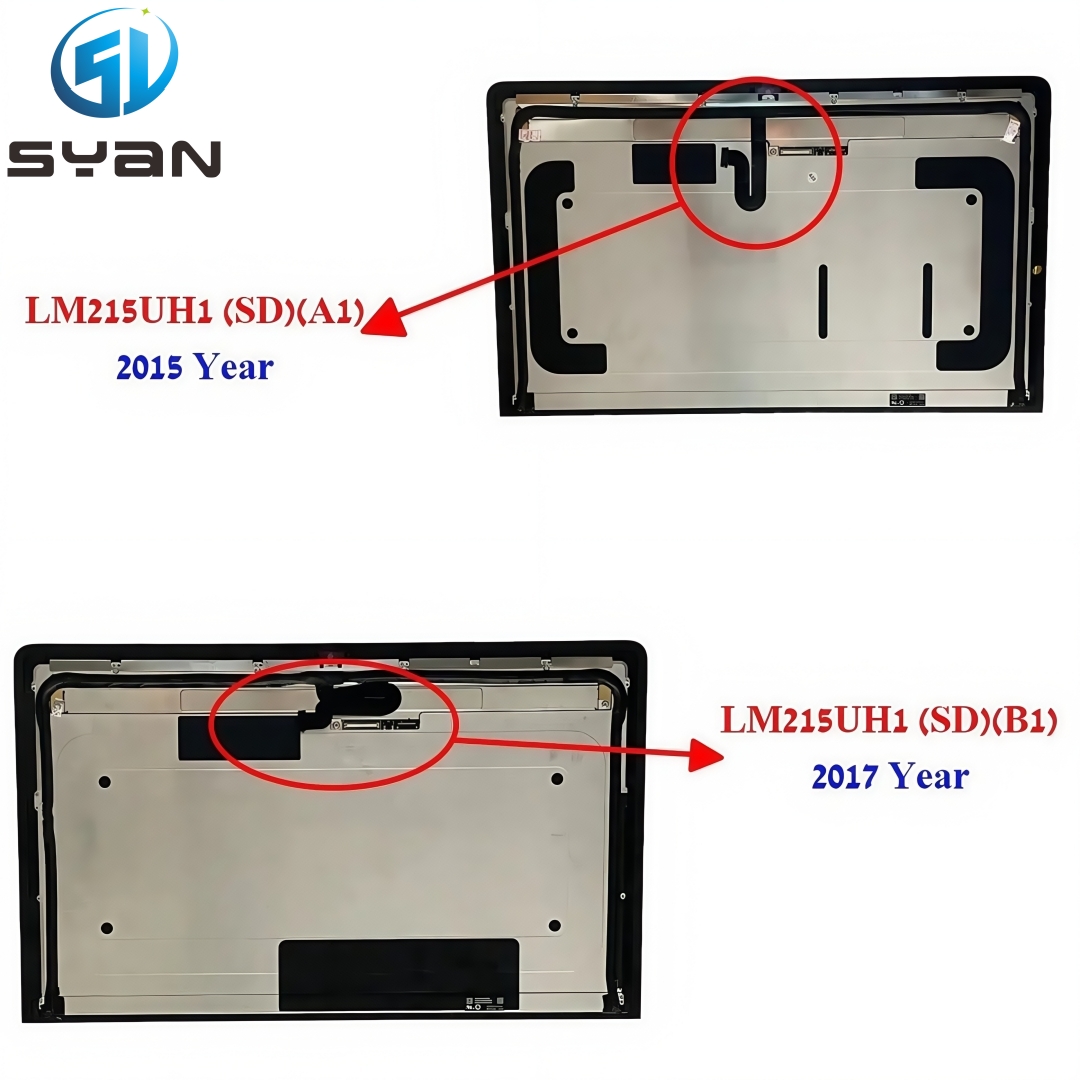
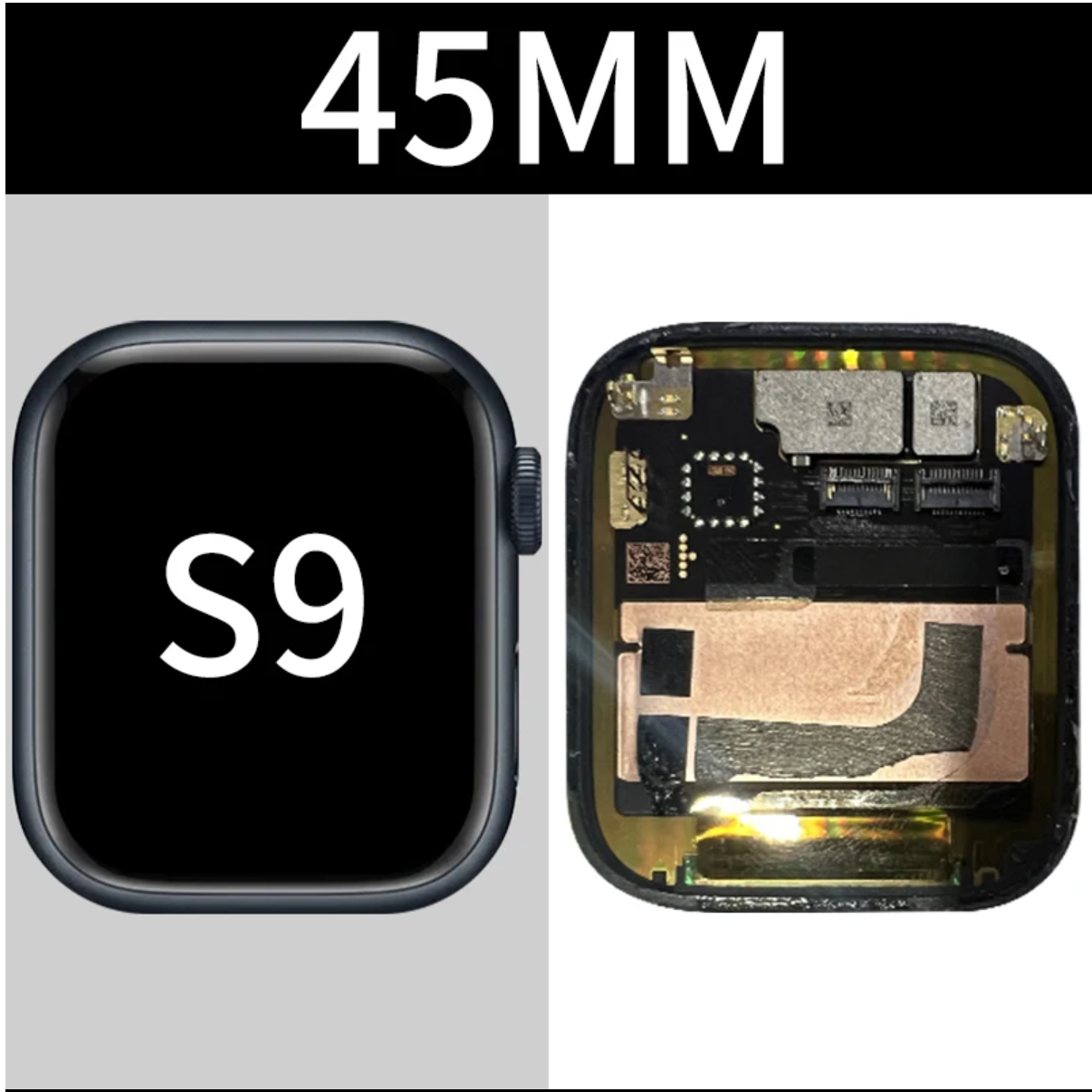
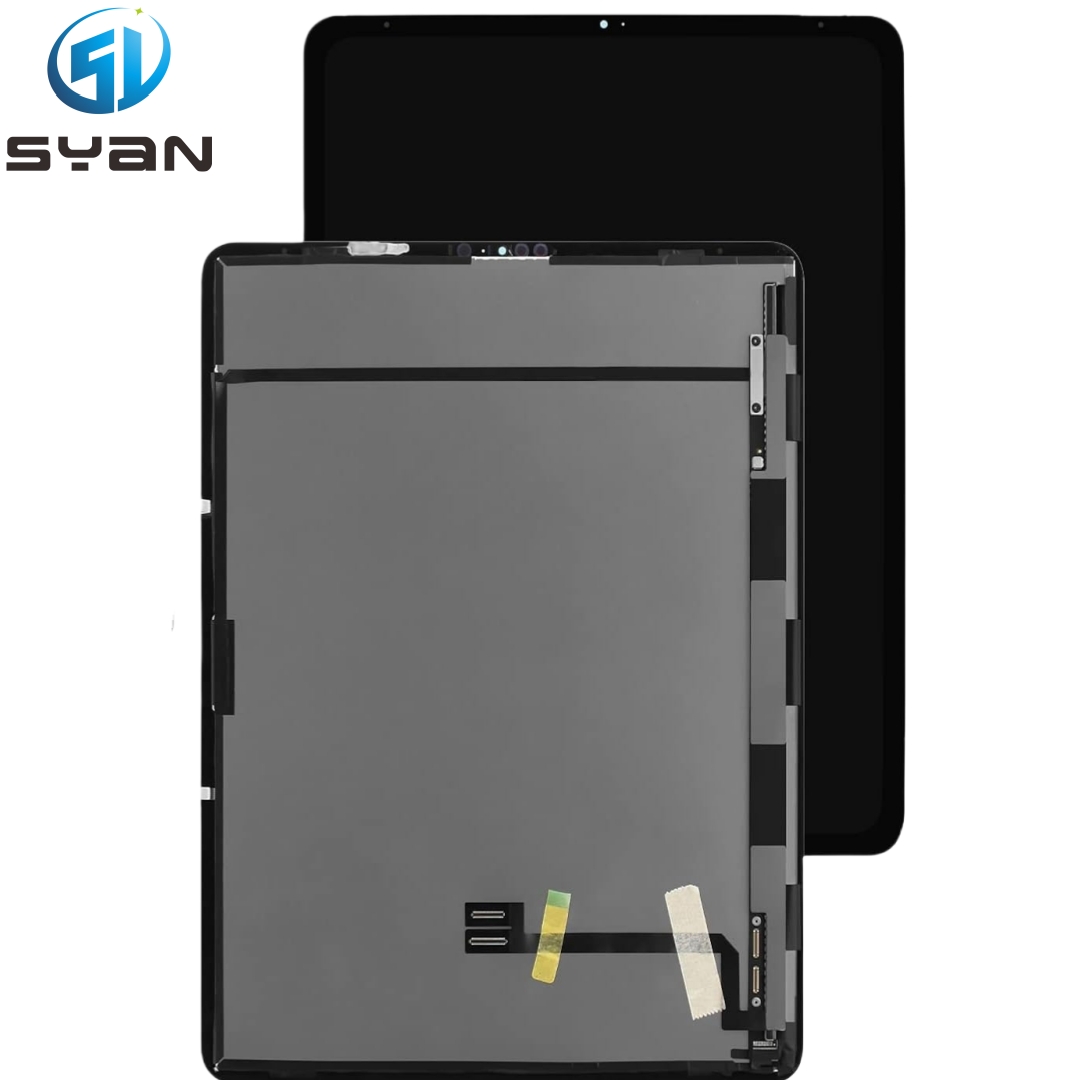
**iPhone/iPad:** Screen replacements, battery replacements, charging port issues, camera failures, water damage, microphone/speaker problems.
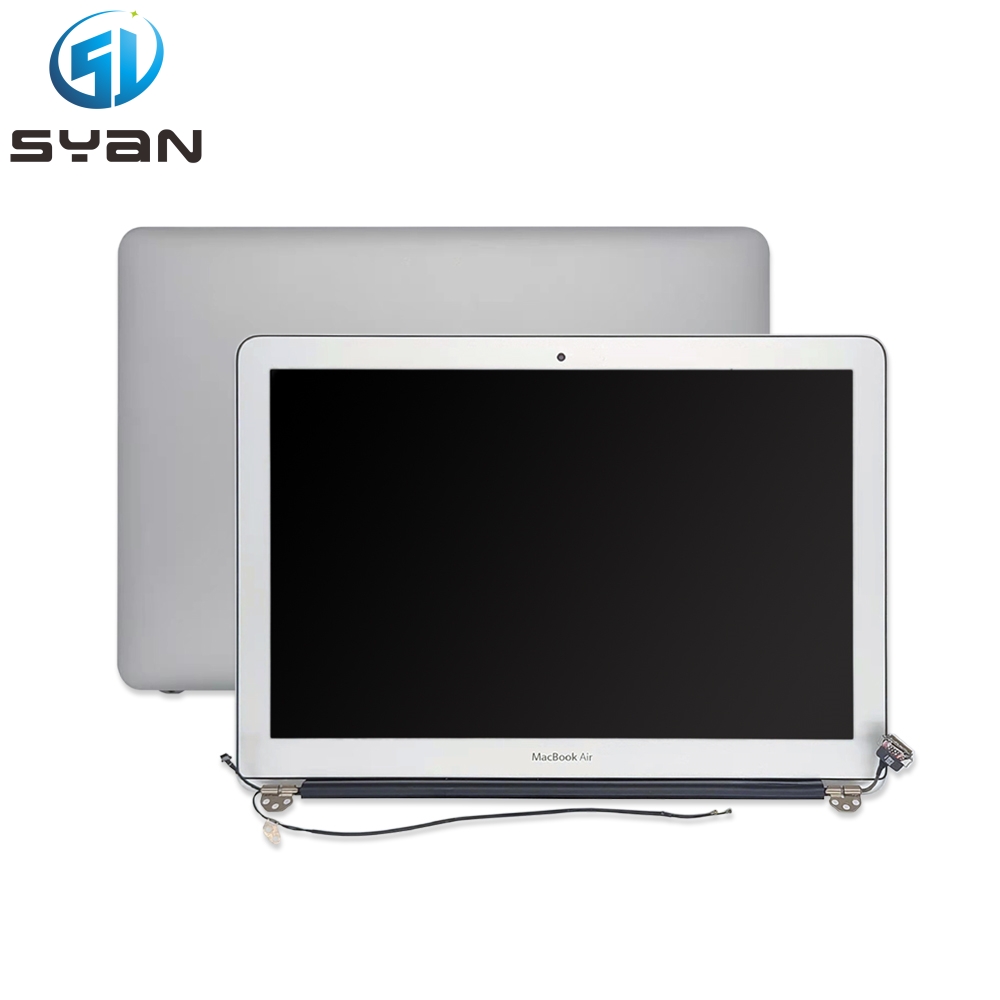
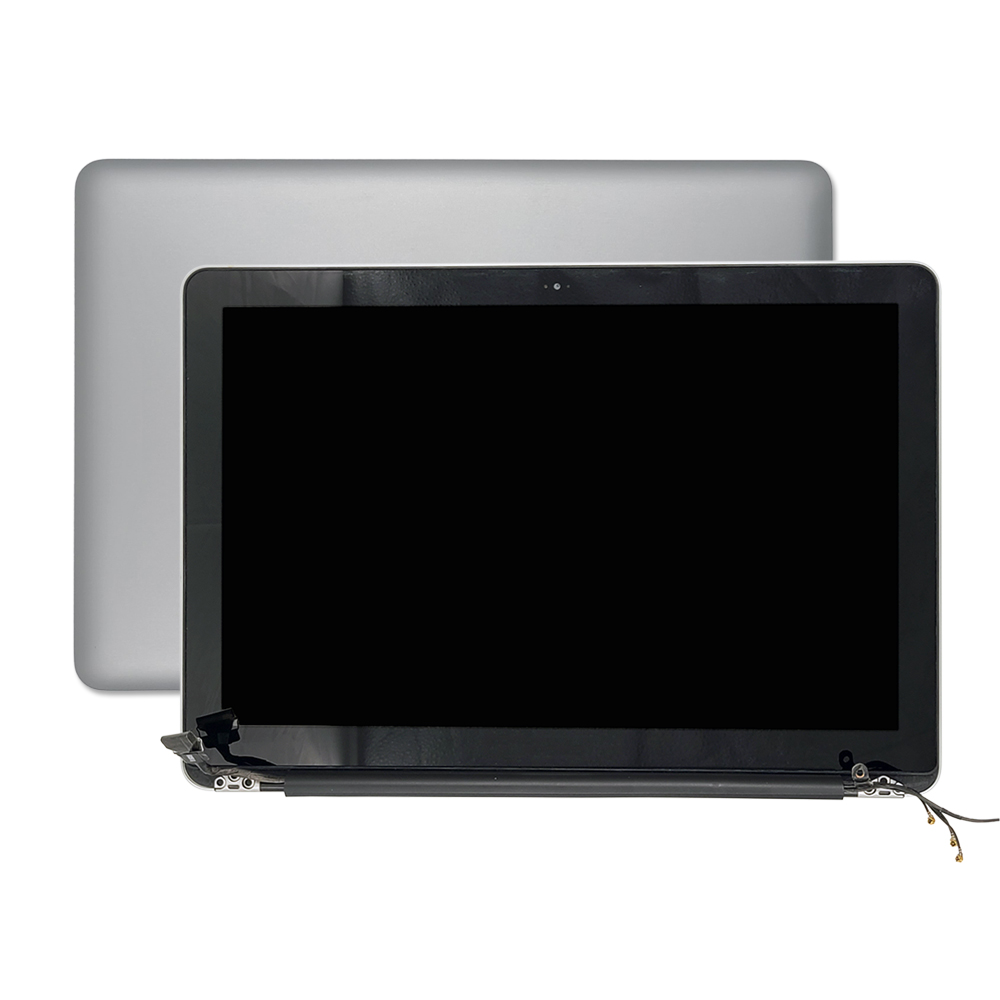
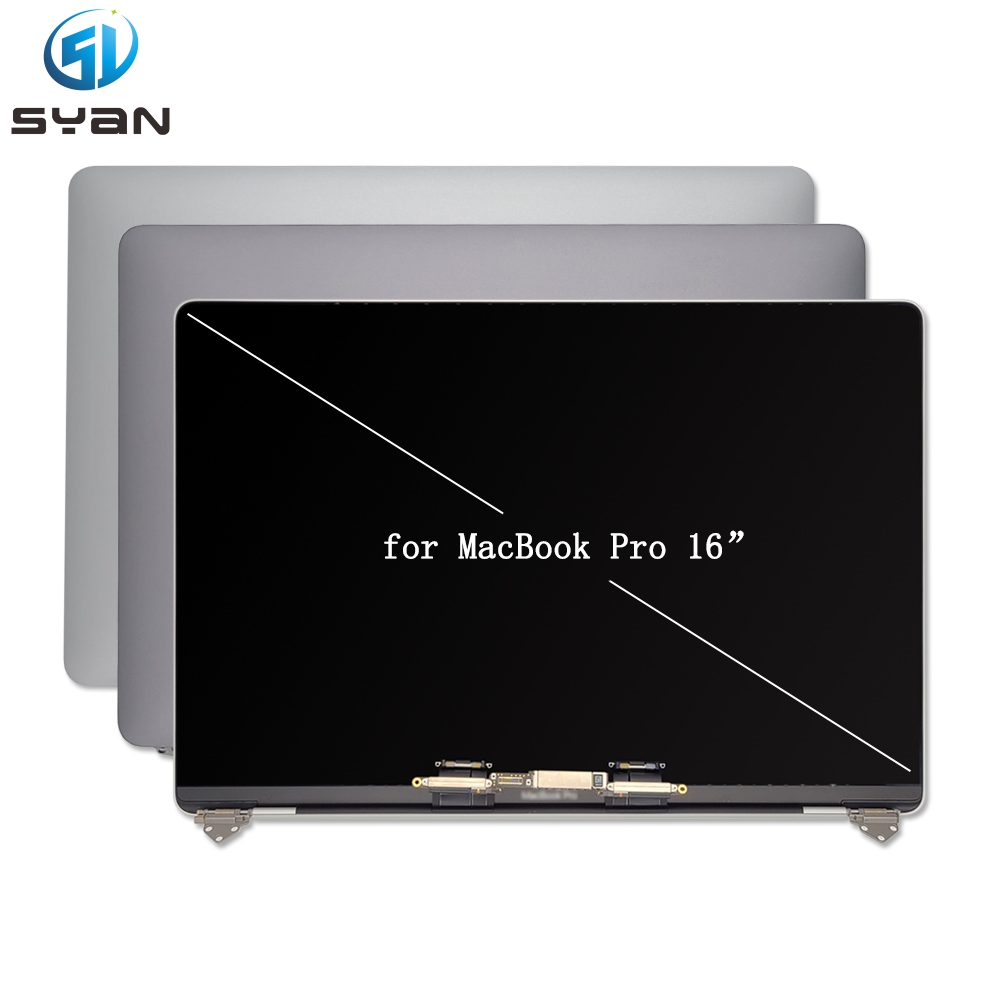
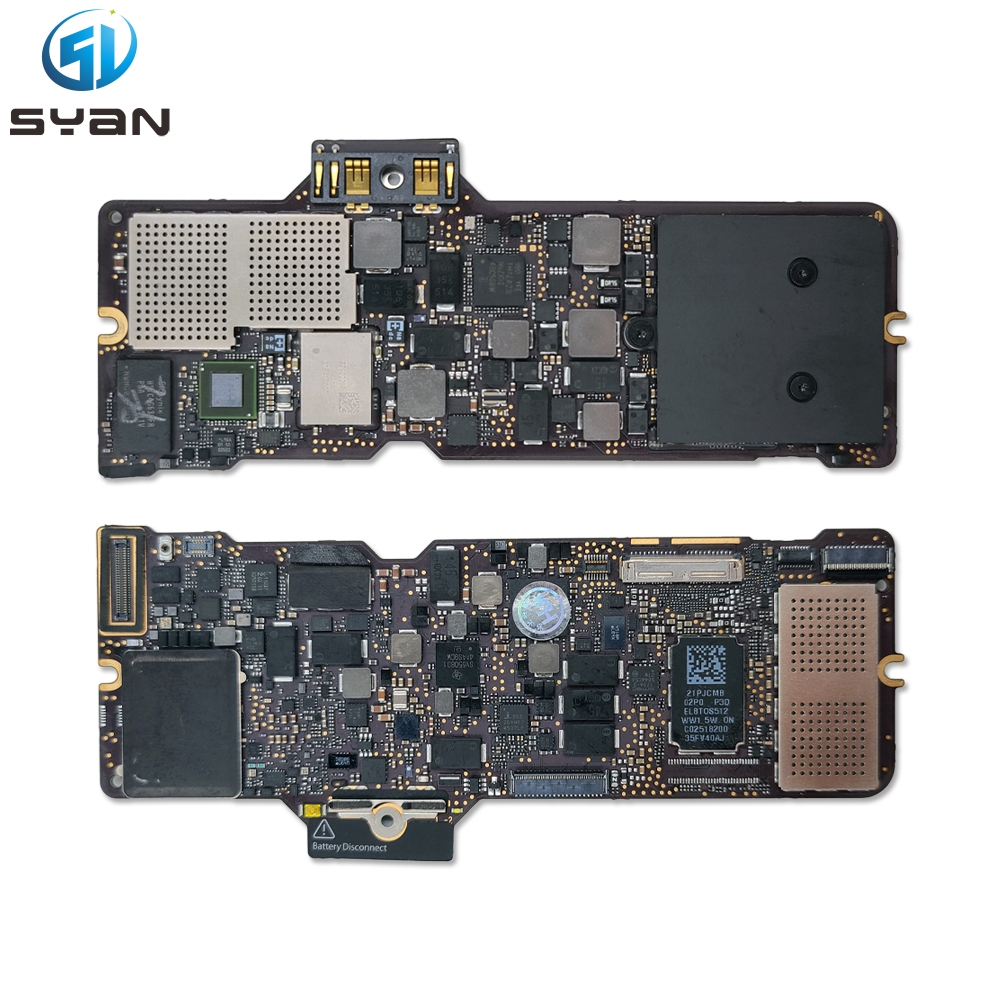
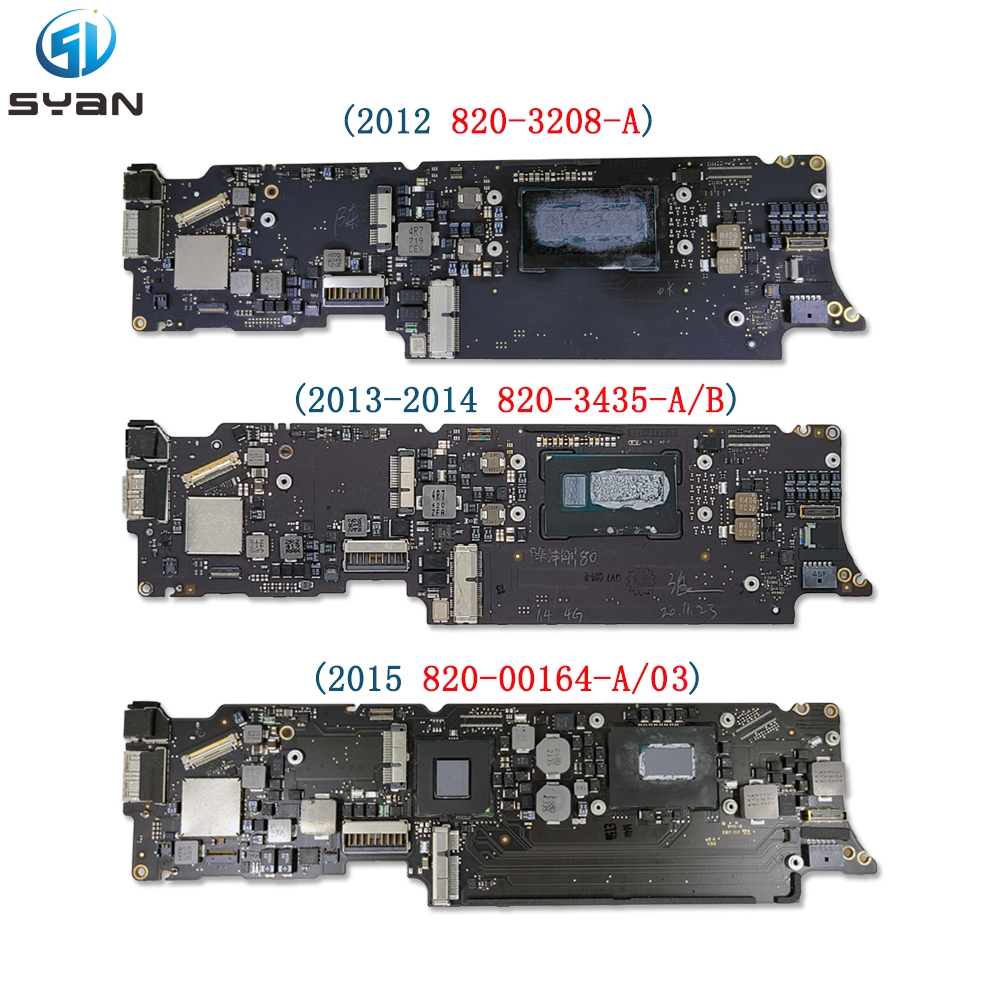
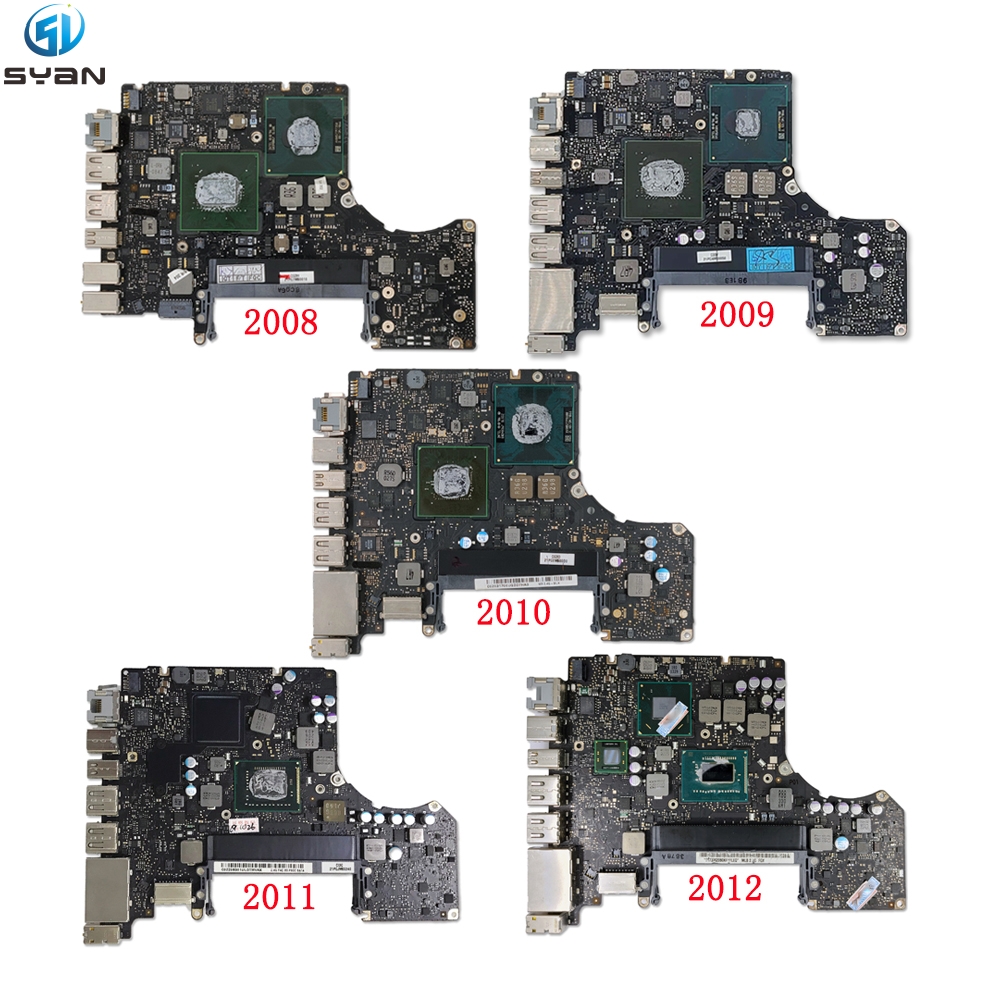
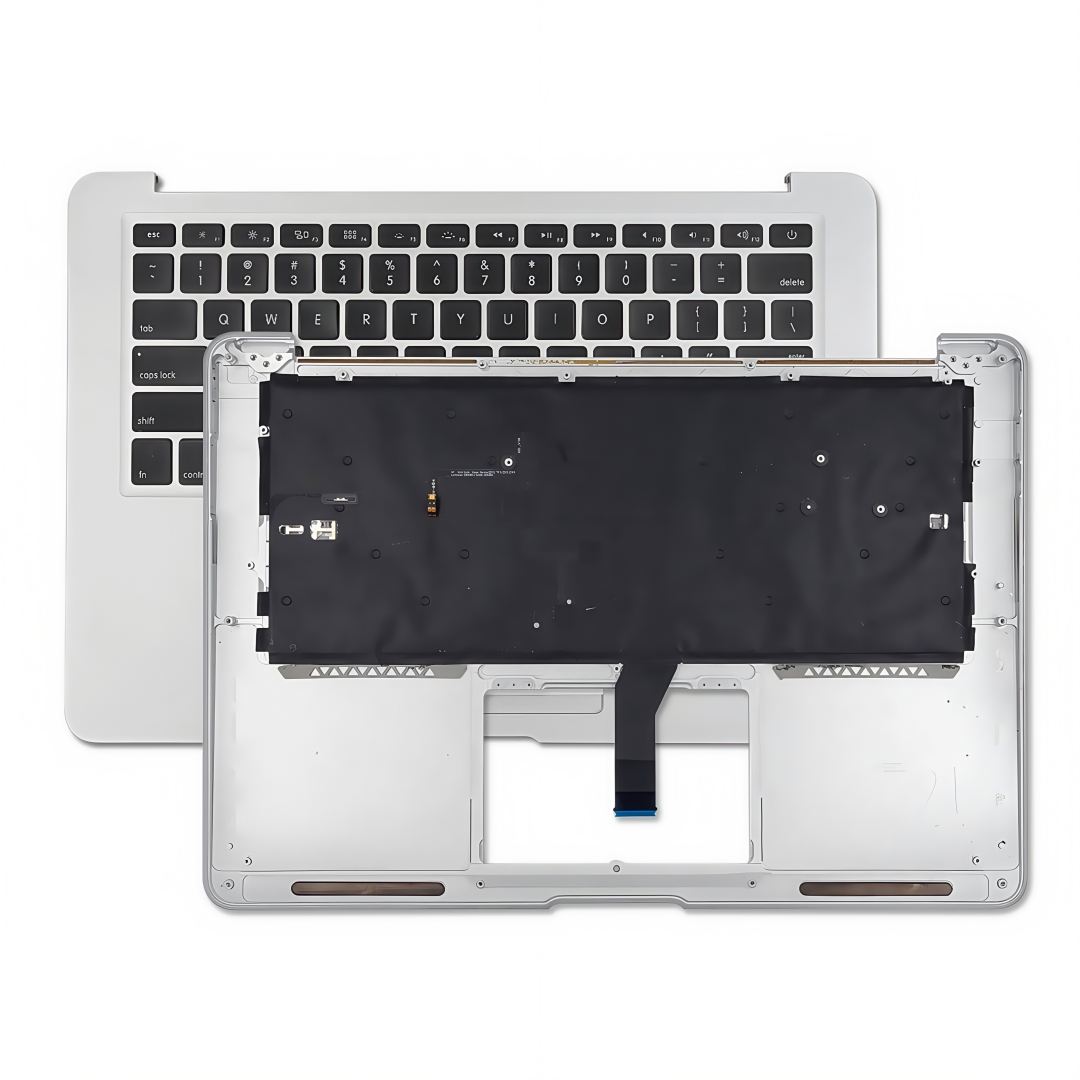
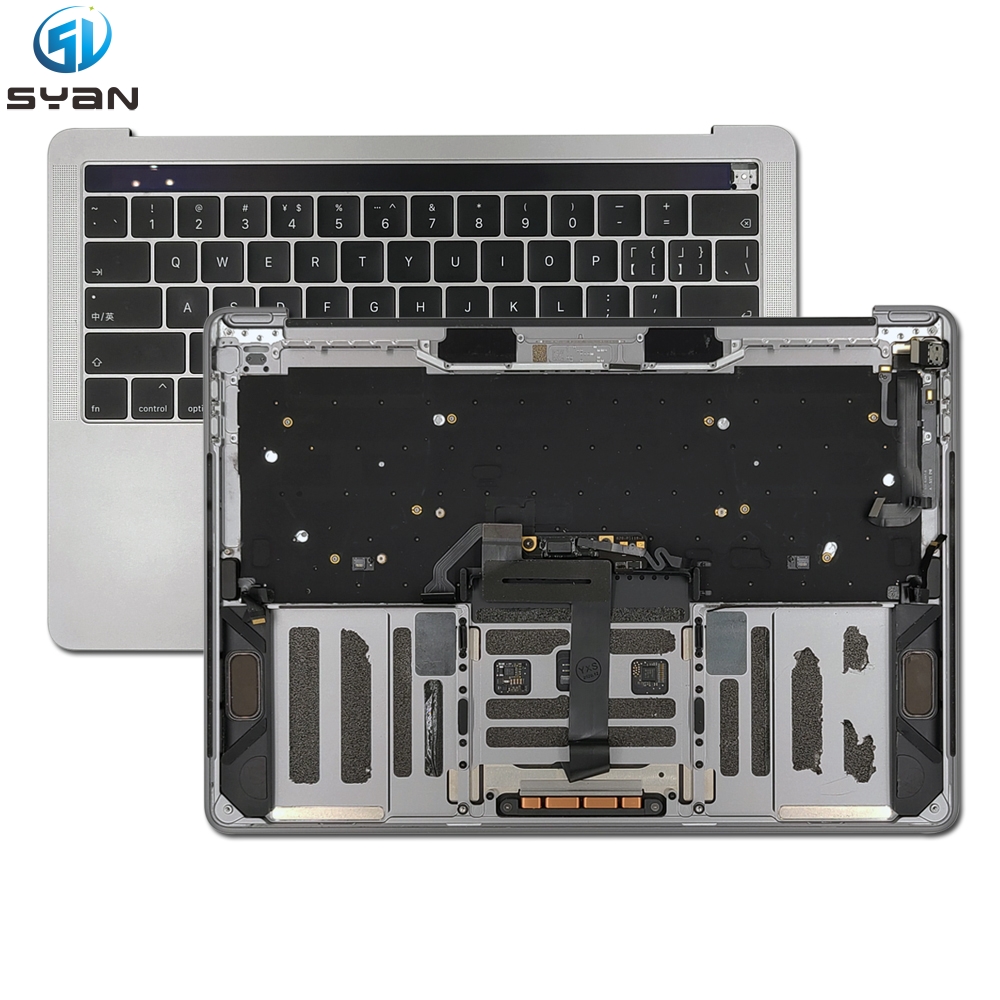
**Mac:** Battery replacement (especially glued-in MacBook batteries), keyboard issues, screen repairs, logic board failures, port issues, fan/overheating problems.
**Universal Considerations:**
**Back Up First!** Always back up your device (iCloud, Finder/iTunes) before any repair.
**Diagnose:**