Replacing the LCD screen of your MacBook Air can seem daunting, but with the right guidance and tools, it becomes a manageable task. Whether you're dealing with a cracked screen or display issues, knowing how to replace your MacBook Air LCD screen can save you time and money. If you're looking to buy Mac accessories, a high-quality replacement screen is essential for maintaining your device's performance and aesthetics. This guide will walk you through the process of replacing your MacBook Air LCD display, ensuring you have all the information needed to complete the task successfully. Additionally, we'll explore how to choose the best Apple accessories and suppliers to ensure your replacement screen is reliable and long-lasting.
Table of contents:
Step-by-Step Process for Replacing Your MacBook Air LCD Display
Essential Tools and Tips for a Successful LCD Screen Replacement
How to Choose a Reliable Supplier for Your LCD Display Screen
The Importance of Quality Assurance in LCD Display Replacements
Replacing your MacBook Air LCD display involves several critical steps that require patience and precision. Begin by ensuring your MacBook Air is powered off and unplugged from any power source. Carefully remove the screws from the back panel using a specialized screwdriver. Once the panel is off, disconnect the battery to avoid any electrical mishaps. Next, gently detach the damaged LCD screen by removing the screws and connectors that secure it. When installing the new screen, make sure it aligns perfectly with the frame and reconnect all cables securely. Finally, reattach the back panel and screws, and power on your MacBook to test the new display. Throughout this process, having the best Apple accessories, like precision tools and a high-quality replacement screen, will ensure a smooth and successful installation.
Having the right tools and tips is crucial for a successful MacBook Air LCD screen replacement. Precision screwdrivers, plastic pry tools, and anti-static wristbands are among the best Apple accessories to have on hand. These tools help prevent damage to your device while ensuring a clean and efficient replacement process. Additionally, work in a clean, well-lit environment to avoid losing small screws and components. If you're new to DIY repairs, consider watching tutorial videos or reading detailed guides to familiarize yourself with the process. Remember, patience is key. Rushing through the replacement can lead to mistakes or damage to your new screen. Investing in high-quality tools and the best Apple accessories will make the process more manageable and increase the chances of a successful outcome.
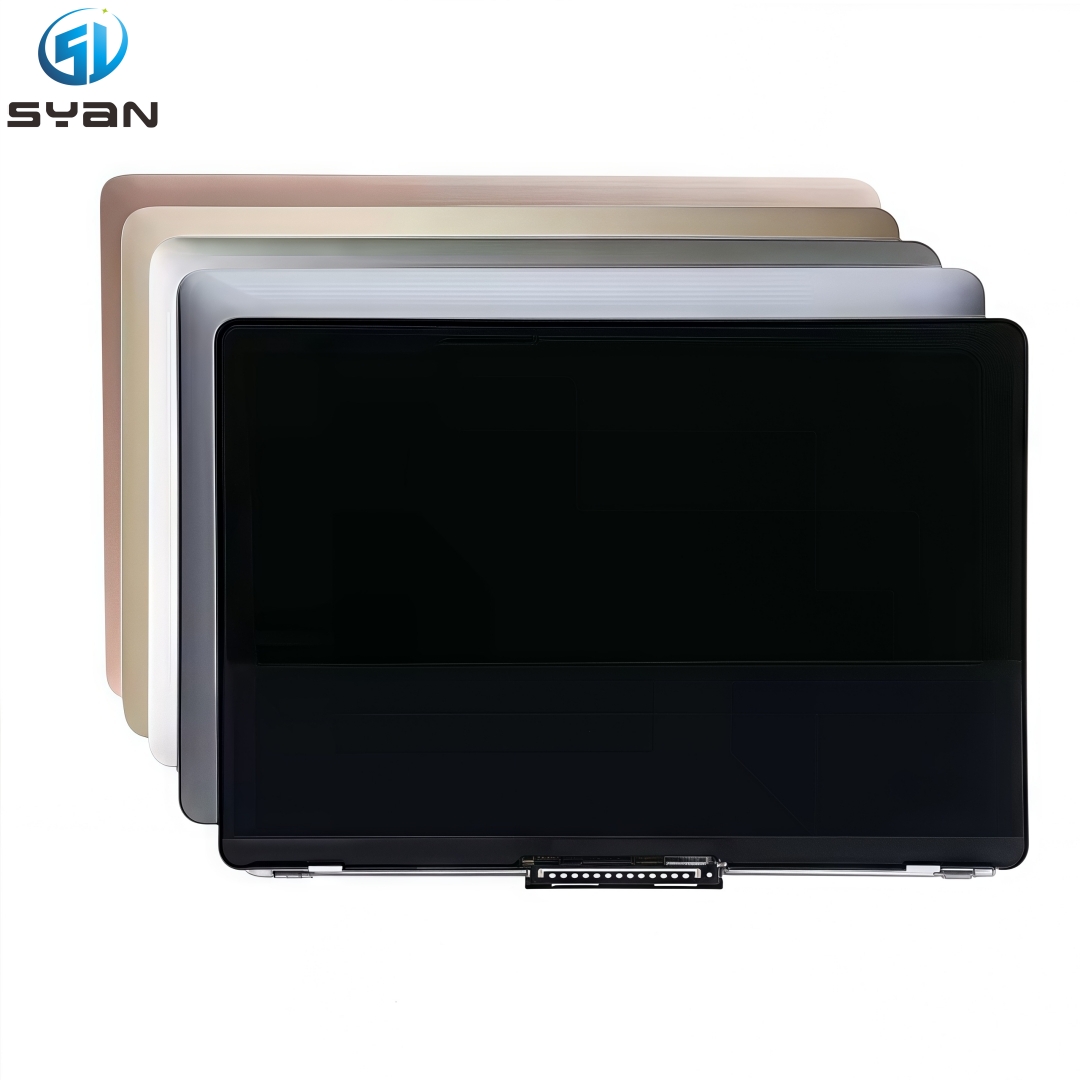
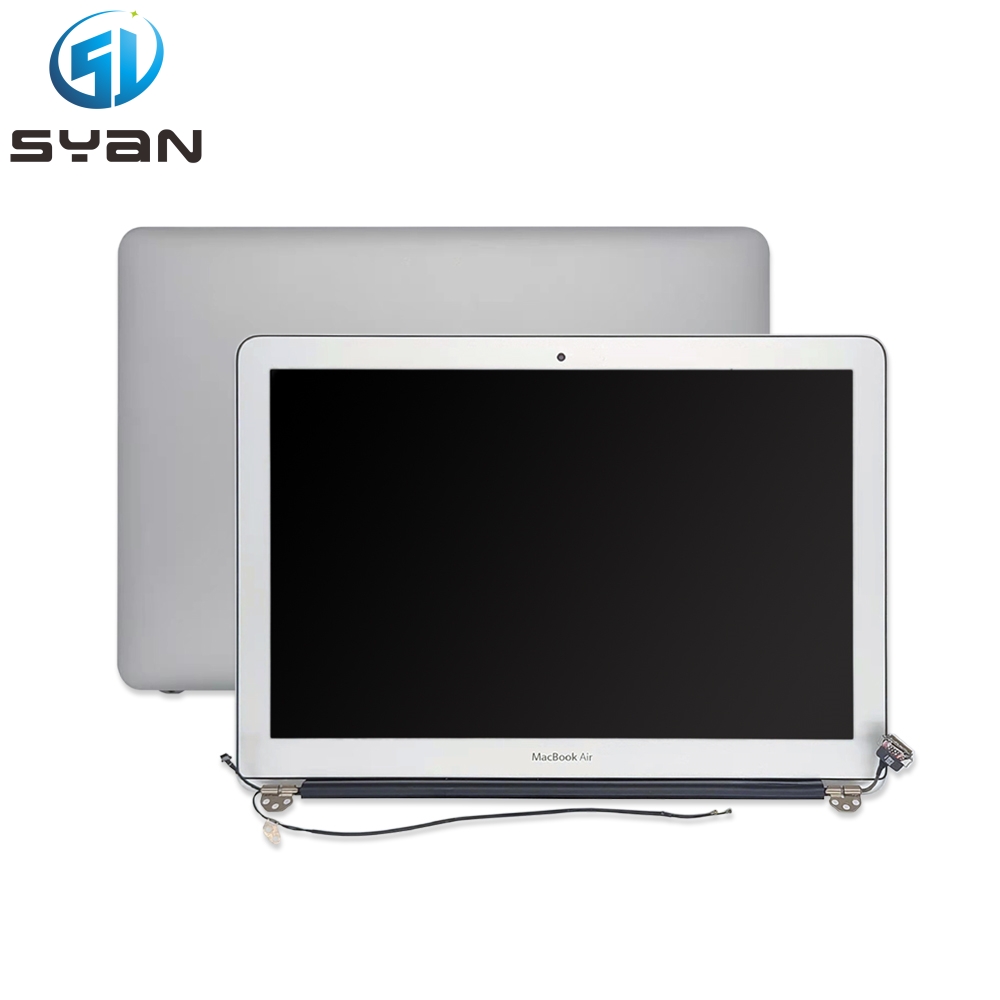
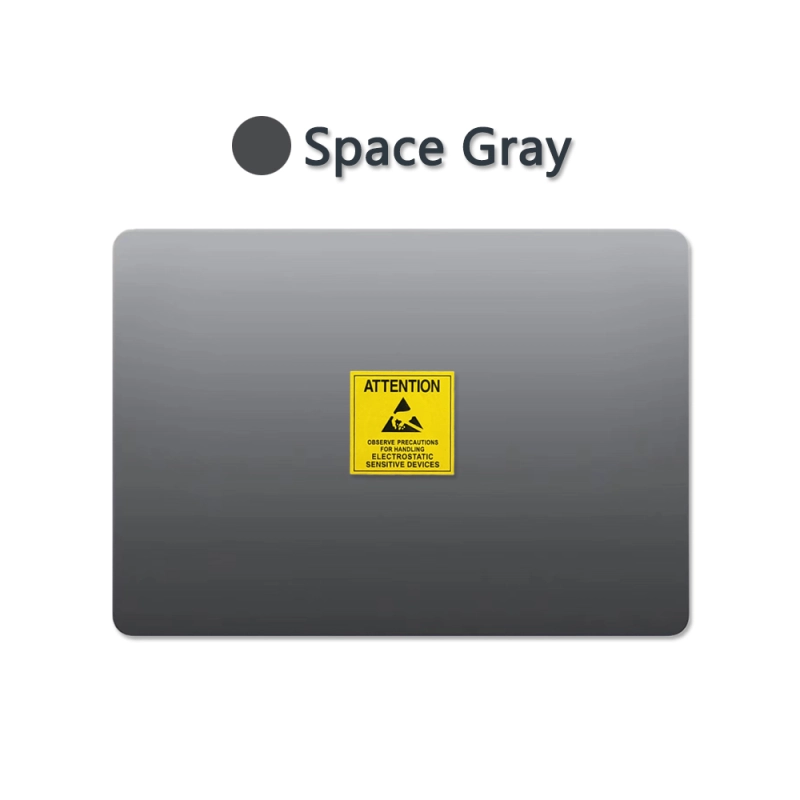
Choosing a reliable supplier for your MacBook Air LCD display screen is crucial to ensure you receive a product that meets your expectations. Look for suppliers that specialize in Apple parts and accessories, as they are more likely to offer products that are compatible and of high quality. Shenzhen Shenyan Development Technology Co., Ltd. is an example of a reputable supplier known for their quality assurance and customer service. They offer a range of options, including the SYan MacBook Air A3114 LCD Display, which is designed for the 2023 model and comes in various colors to match your device. When selecting a supplier, consider their warranty and return policies, as these can provide peace of mind in case of any issues. Opting for the best Apple accessories from a reliable supplier ensures durability and satisfaction with your purchase.
Quality assurance is vital when it comes to LCD display replacements for your MacBook Air. A high-quality replacement screen not only restores the functionality of your device but also maintains its aesthetic appeal. The SYan MacBook Air A3114 LCD Display, for instance, undergoes rigorous testing to ensure it meets the highest standards of quality and performance. When you buy Mac accessories, especially critical components like an LCD screen, choosing products with quality assurance guarantees a longer lifespan and better performance. Quality assurance also reflects the manufacturer's confidence in their product, which is essential for customer satisfaction and trust.
Replacing your MacBook Air LCD screen is a task that can be accomplished with the right tools, guidance, and products. By following a step-by-step process, utilizing essential tools, and choosing reliable suppliers, you can ensure a successful replacement. Remember to prioritize quality assurance when selecting your replacement screen to guarantee its performance and durability. Whether you're looking to buy Mac accessories or find the best Apple accessories for your device, making informed choices will enhance your MacBook Air's longevity and functionality.